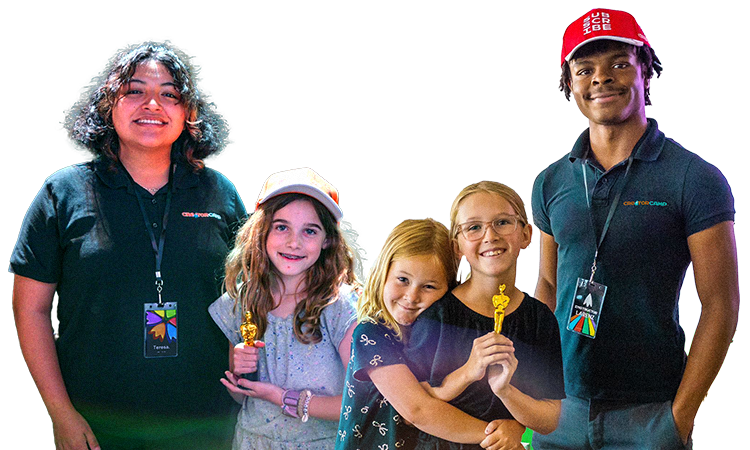
Thank you for an amazing summer! Check out our online program


Retroid Animation
This course will dive into the world of pixel animation using the web app Piskel. Students will learn the basics of classic video game movement.
Students will harness the free Piskel web app to design, color, and animate their own retro-style game graphics from scratch. They will master fundamental physics concepts like weight and timing to bring classic 8-bit and 16-bit style assets to life. They will also learn the importance of studying the masters of this craft.
For ages
8-14
Session Length
4 weeks
Sessions
1/week
Time
6-7pm CT Thursdays
Starts
Jul 9th
Ends
Jul 30th







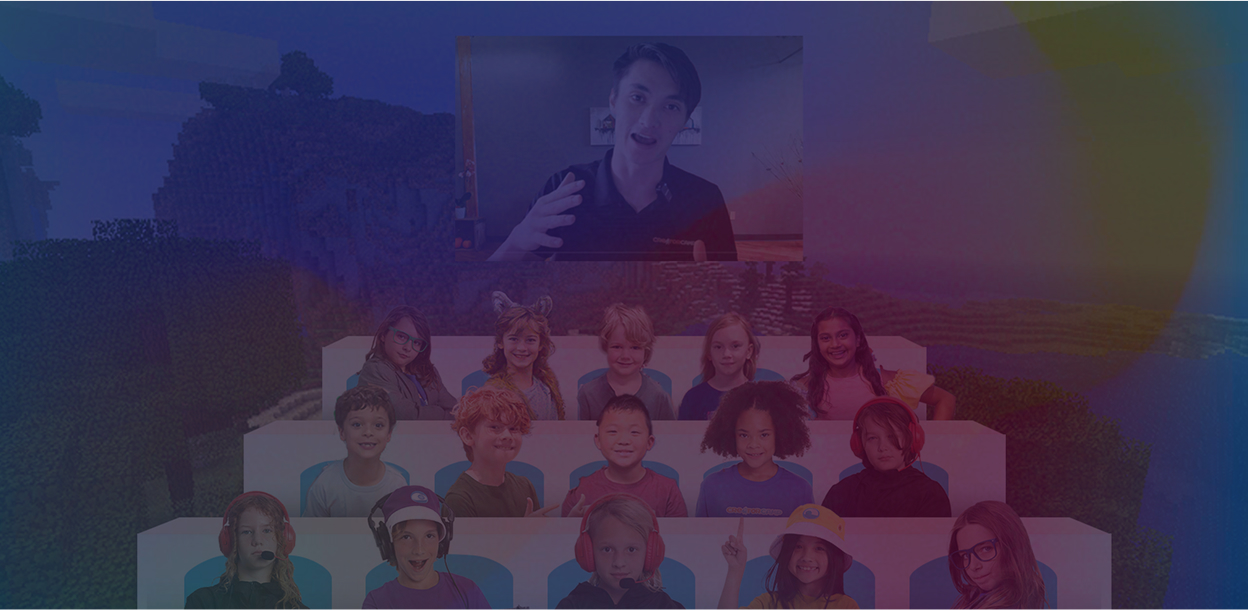
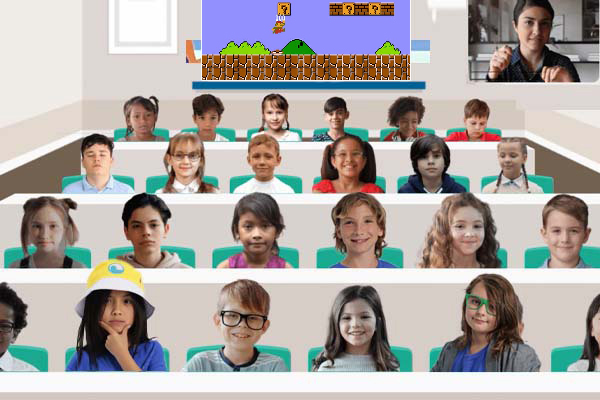
Our online courses are interactive, teacher-led workshops held once a week over Zoom, with each session lasting 1 hour. Scheduled every week on a convenient weekday from 6-7 pm Central Time. During each session, the teacher will guide students through exciting activities, fostering both creativity and learning!
Device Requirements: A Computer (Windows, macOS, or Linux) with Piskel web app access

Only $20/month
Get unlimited instructor led online workshops, supervised game nights, & more
Key Skills
Frame-by-Frame Animation
Controlling movement sequence by sequence
Squash and Stretch
Adding realistic weight and impact to digital objects
Piskel Interface Navigation
Mastering layers, frames, and pixel-art tools
Sprite Design
Crafting clean, readable low-resolution video game assets
Timing and Spacing
Managing frame rates for smooth, snappy motion
Looping Techniques
Creating seamless, repeating animations for games
Weekly Breakdown
Week 1 - Bouncing Ball Again!
Students will kick off their retro journey by mastering the absolute foundation of all movement: the bouncing ball. Using Piskel, they will explore the core concepts of squash, stretch, and spacing to give their pixelated sphere a realistic sense of weight, bounce, and impact.
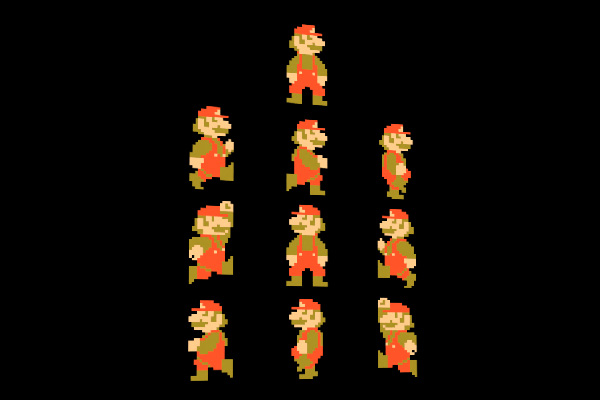
Week 2 - Game Animation Master Copy
We will dive into video game history by selecting a legendary classic character or asset for a "master copy" study. Students will break down professional retro animations frame-by-frame, recreating the movement to analyze the exact techniques used by pioneering game designers.
Week 3 - Item-ation
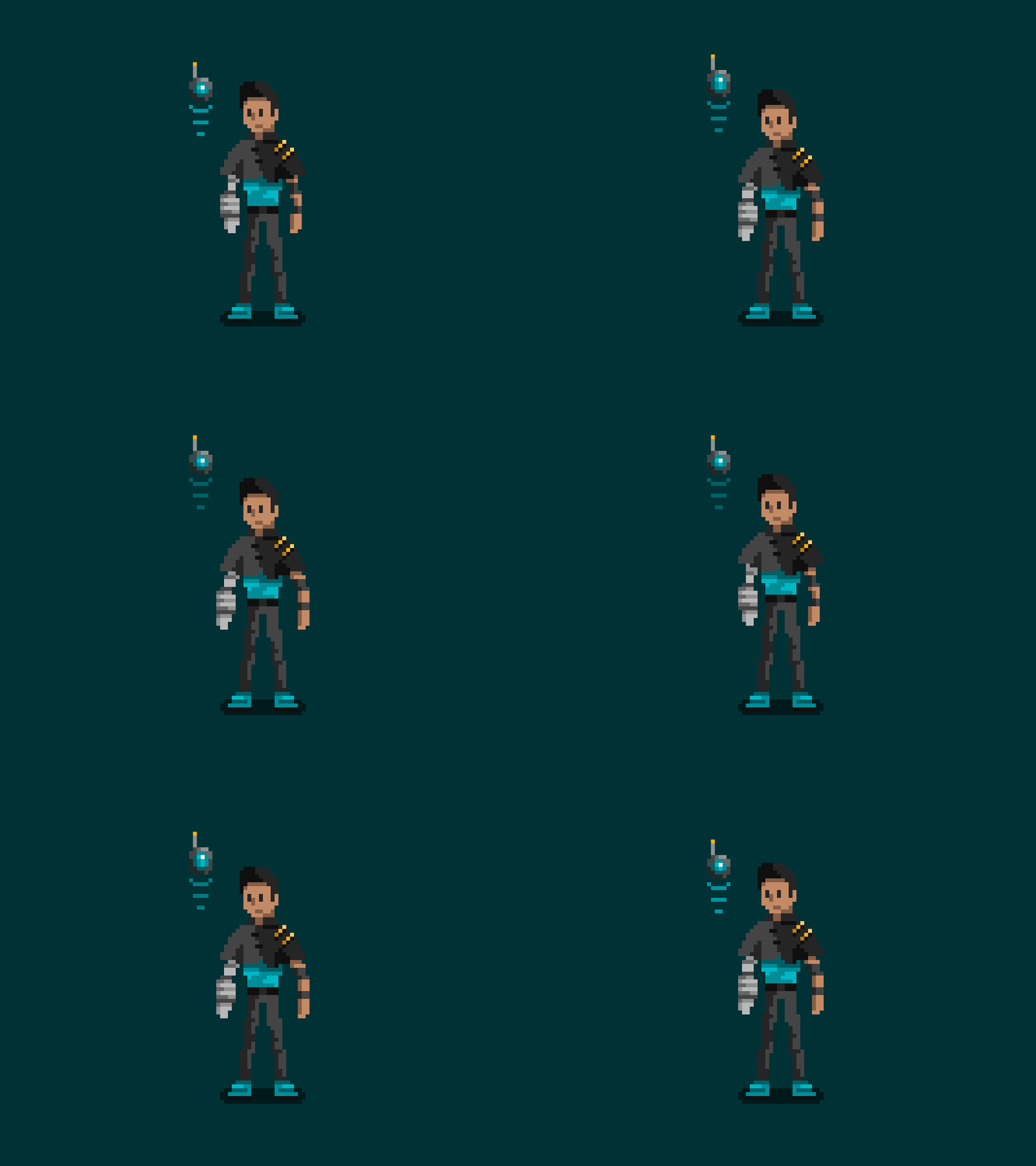
It's time to add some magic to the inventory by designing custom, animated game items. From spinning golden coins and blinking treasure chests to glowing potions, students will learn how to use shifting colors, secondary motion, and loop effects to make items look dynamic.
Week 4 - Sprite Animation
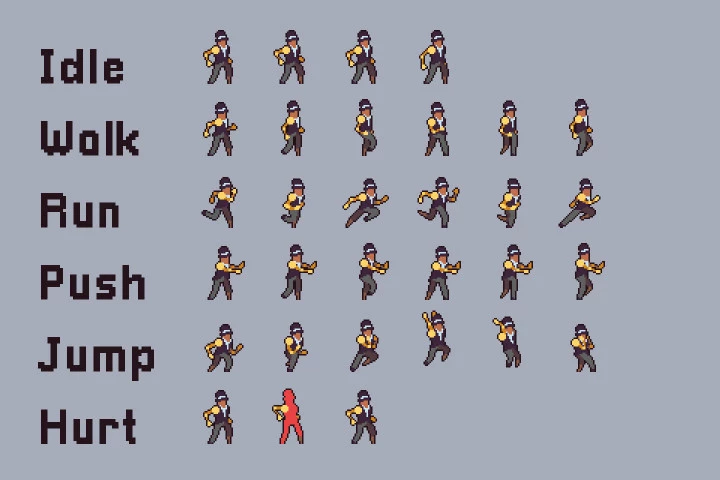
For the grand finale, students will combine everything they've learned to design and animate a full, original character sprite executing a complex action like an idle stance or a walking cycle. We will wrap up the camp with a virtual arcade showcase celebration where everyone screens their finished masterpieces, shares constructive feedback, and cheers on their fellow creators!
Enroll With Confidence.
Money Back Guarantee
Not completely satisfied after session one? We'll refund your full tuition with no questions asked. Your child's experience matters to us.
Flexible Scheduling
Plans change? No problem! Switch your workshop dates or type at any time before your first workshop starts - completely free.
Transparent Pricing
What you see is what you pay. No registration fees, no processing fees, no surprises. Just straightforward pricing you can trust.
The Greatest Instructors
Every team member at Creator Camp carries a genuine passion for nurturing creativity, fostering an environment where your child feels not only inspired but also cared for.