Thank you for an amazing summer! Check out our online program


Picture This! Photographers
Step into an online photography workshop where beginners learn the fundamentals of capturing and editing compelling images in Adobe Lightroom for iPad. Students will build real visual storytelling skills while composing portraits, scenes, and still lifes that each tell a unique story in a shared gallery.

Each day, creators learn new photography fundamentals and editing tools to capture and refine compelling images. Creators will follow instructor prompts to take photos around their environment using an iPad, all while learning how to stage subjects, frame scenes, and edit for lighting, mood, and storytelling impact.
For ages
8-14
Session Length
4 weeks
Sessions
1/week
Time
6-7pm CT Tuesdays
Starts
Sep 8th
Ends
Sep 29th







Our online courses are interactive, teacher-led workshops held once a week over Zoom, with each session lasting 1 hour. Scheduled every week on a convenient weekday from 6-7 pm Central Time. During each session, the teacher will guide students through exciting activities, fostering both creativity and learning!
Device Requirements: iPad with Adobe Lightroom for iPad

Only $20/month
Get unlimited instructor led online workshops, supervised game nights, & more
Key Skills
Camera Basics
Framing, focus, and exposure
Staging & Composition
Arranging subjects to evoke emotion
Lighting Awareness
Natural light, artificial light, and shadow play
Storytelling Through Images
Conveying a narrative in a single shot
Editing Tools
Cropping, color grading, and brightness/contrast in Adobe Lightroom for iPad
Visual Emphasis
Drawing the viewer's eye to the story
Weekly Breakdown
Week 1 - Framing & Fundamentals
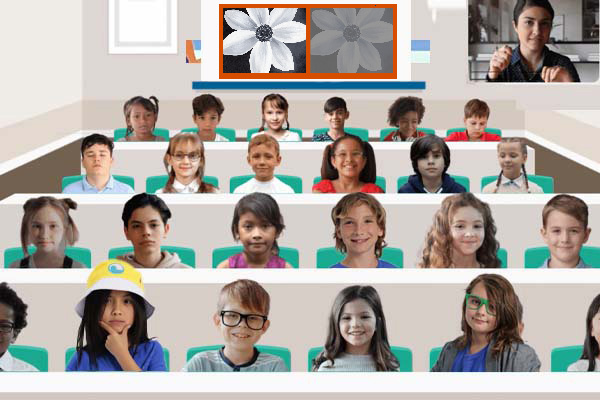
Creators explore basic camera tools and composition rules. They practice framing shots, adjusting focus, and capturing simple subjects as they learn how angle and distance change a photo's feel. The day ends with a guided prompt to photograph an object in a way that tells a small story or narrative.
Week 2 - Staging & Emotion
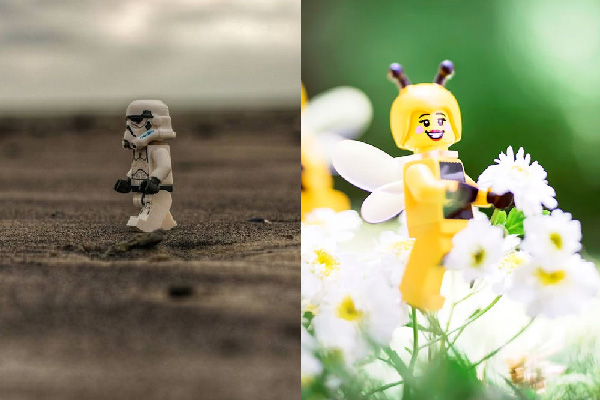
Each creator learns how to stage a scene by arranging subjects, choosing backgrounds, and controlling lighting to evoke a specific emotion. They respond to instructor prompts like "capture a moment of calm" or "show something that feels lonely," experimenting with props and positioning to tell a story through a single frame.
Week 3 - Editing & Emphasis
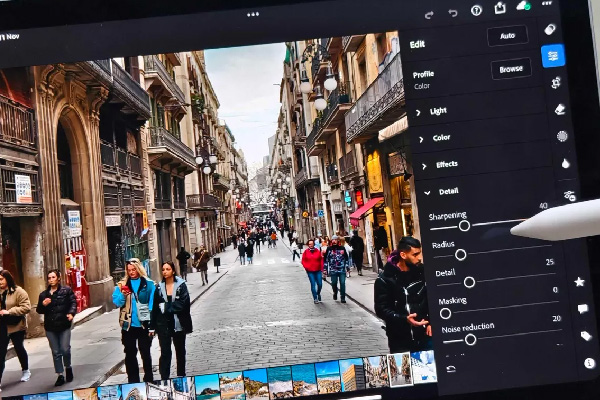
Creators bring their best shots into Adobe Lightroom for iPad and learn to crop, adjust brightness and contrast, color grade, and sharpen key details. They practice using edits to emphasize lighting, scenery, and the emotional core of each image, turning a good photo into a more powerful one.
Week 4 - Curate, Critique & Showcase
Creators select their strongest images, apply final polish, and arrange them into a mini portfolio. The session ends with a group gallery walk where each student shares the story behind their favorite shot, followed by a recorded showcase video for families to view afterward.

Enroll With Confidence.
Money Back Guarantee
Not completely satisfied after session one? We'll refund your full tuition with no questions asked. Your child's experience matters to us.
Flexible Scheduling
Plans change? No problem! Switch your workshop dates or type at any time before your first workshop starts - completely free.
Transparent Pricing
What you see is what you pay. No registration fees, no processing fees, no surprises. Just straightforward pricing you can trust.
The Greatest Instructors
Every team member at Creator Camp carries a genuine passion for nurturing creativity, fostering an environment where your child feels not only inspired but also cared for.